24/7 breakdown support across the Riverina0427 997 730[email protected]

Home / Legacy PLC migration / SLC 500 & PLC-5 migration guide

GUIDE · SLC 500 & PLC-5

SLC 500 to CompactLogix and PLC-5 to ControlLogix: a migration guide

What Rockwell says about SLC 500 and PLC-5 today, the ways to get off them, what can be reused, and how to stage the changeover so the plant keeps running.

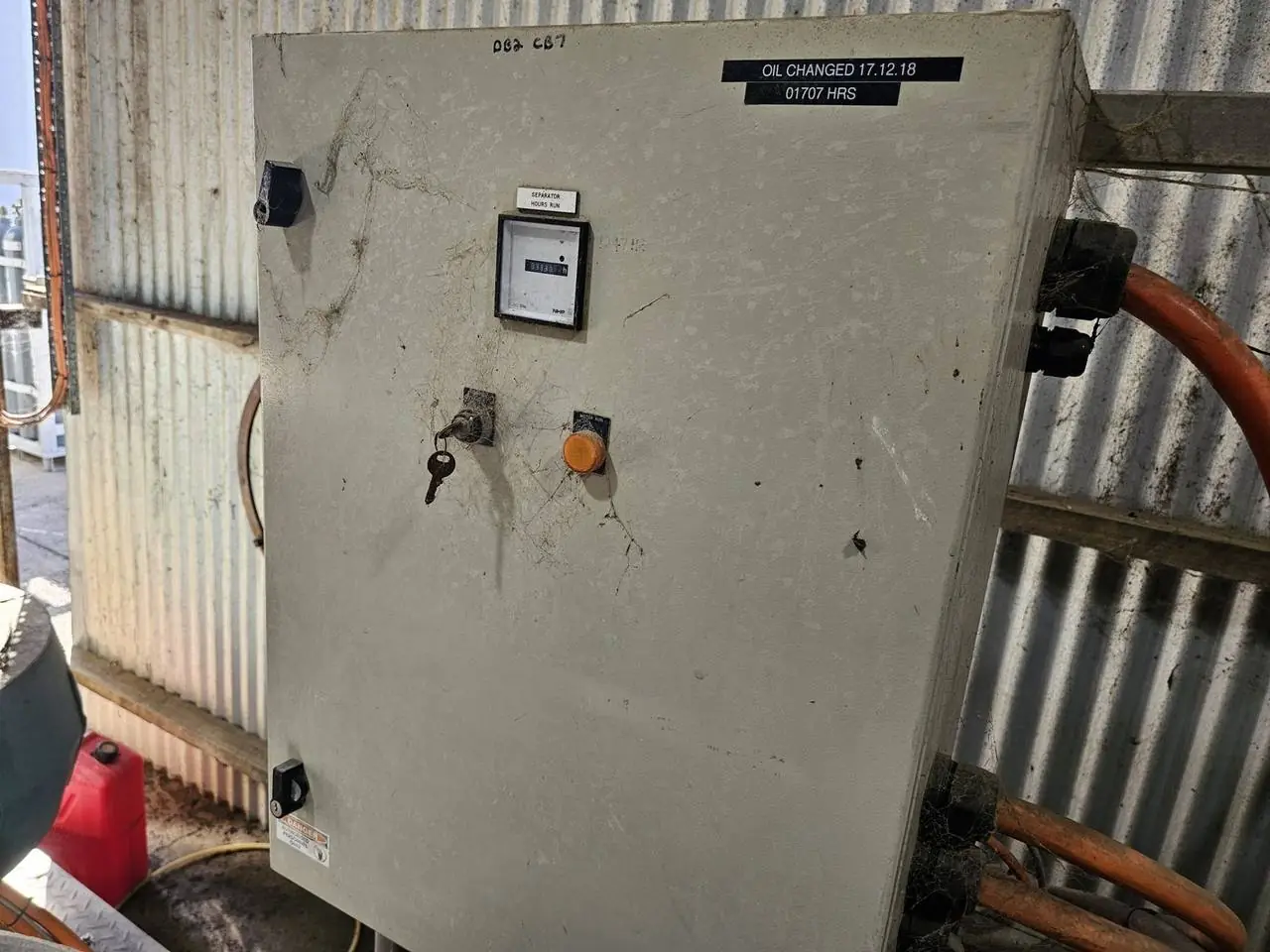
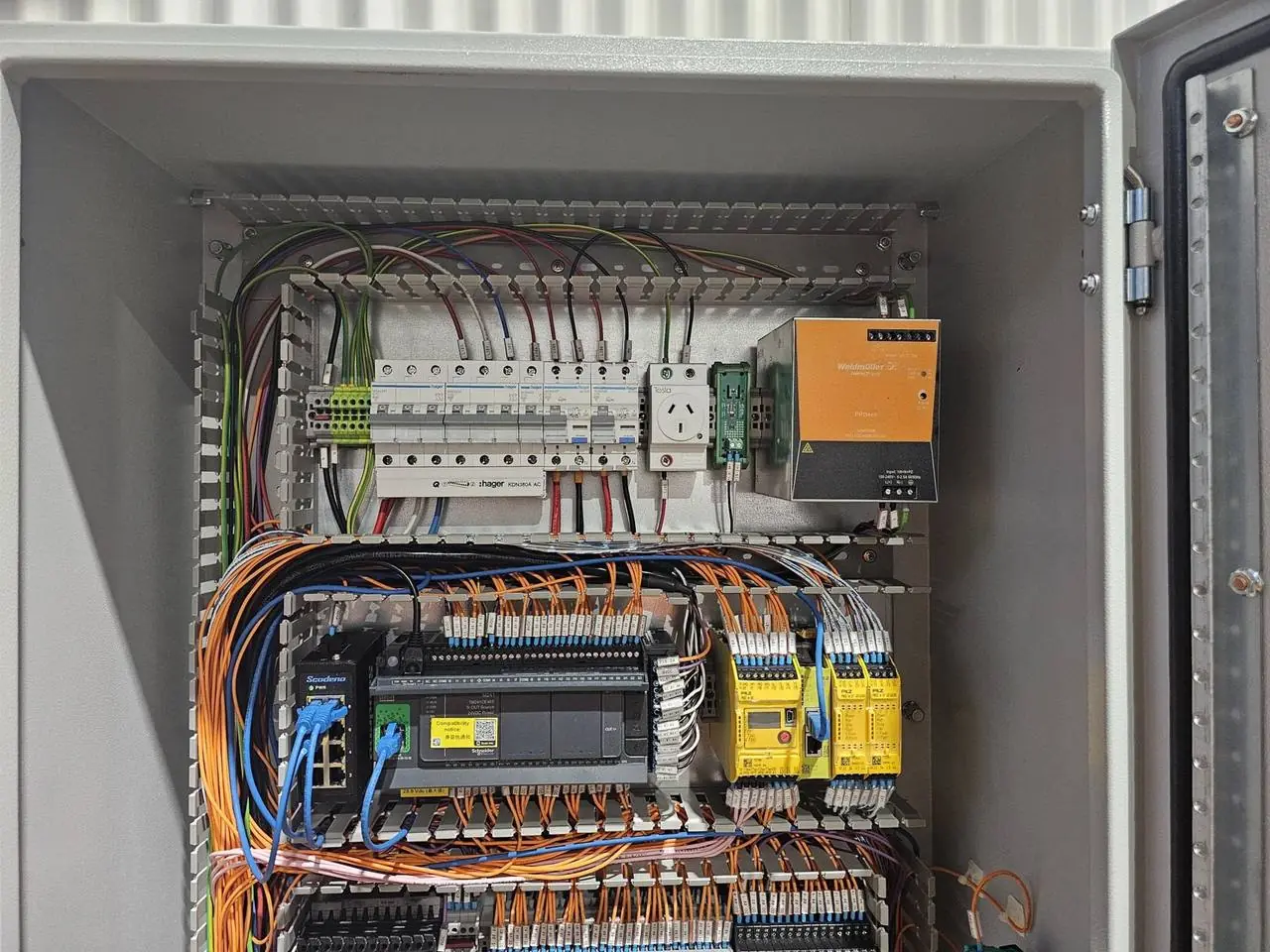
Original legacy control panel before upgradePLC control board with safety relays and terminal wiring

GUIDE · SLC 500 & PLC-5 · What we do

Still running in a lot of plants. No longer the platform to build on.

The SLC 500 and the PLC-5 have run production lines, packing sheds and process plants for decades, and plenty are still doing it. Rockwell Automation now lists PLC-5 controllers as discontinued, has discontinued parts of the SLC 500 range, and encourages users of both to migrate. From here, spares, repairs and people who know RSLogix 5 and RSLogix 500 only get harder to find.

The usual moves are SLC 500 to CompactLogix 5380 and PLC-5 to ControlLogix, both programmed in Studio 5000 Logix Designer. This guide covers what is specific to those two migrations: what the hardware swap looks like, what can stay, what the conversion tools do and don't do, and what changes for your screens and networks. For the general warning signs and upgrade process, see our PLC upgrade guide.

AMC has supported and modified SLC 500 programs in juice and citrus plants in the Riverina for years, and we program the ControlLogix, CompactLogix and GuardLogix systems that replace them. We know the code you have and the code you are moving to.

What we do

  • Backup and review of RSLogix 5 and RSLogix 500 programs
  • SLC 500 to CompactLogix migrations
  • PLC-5 to ControlLogix migrations
  • Converted code cleaned up, structured and commented
  • PanelView and FactoryTalk View screen upgrades
  • Old DH+, DH-485 and Remote I/O links moved to EtherNet/IP
  • Workshop testing before anything goes to site
  • Staged cutovers with a rollback plan

Standards, platforms & tools

RSLogix 5RSLogix 500Studio 5000 Logix DesignerCompactLogix 5380ControlLogixGuardLogixEtherNet/IP

Migration paths

Ways off an SLC 500 or PLC-5, and what to do with the code.

The right path depends on how long you can stop, the condition of the I/O and wiring, and the budget. Many sites combine them.

01

Processor first, I/O later

Fit a Logix controller and keep the old I/O racks for now. On an SLC, a 1747-AENTR adapter in the processor slot lets the new controller run the existing 1746 I/O over EtherNet/IP. On a PLC-5, a ControlLogix can scan the existing 1771 racks over Remote I/O or ControlNet.

02

I/O swap with wiring conversion

Rockwell's 1492 wiring conversion systems connect existing field wiring to new I/O modules through pre-made conversion modules and cables, so terminations are not redone one wire at a time. Not every module has a match, so check the I/O list first.

03

New panel alongside

Build and test a new panel in the workshop, then move the field cables across in a shutdown. It costs more up front, gives the cleanest changeover, and is the better choice when the old panel is in poor condition.

04

Stage it by area

Migrate one rack, line or process area per shutdown. The new controller exchanges data with what is left of the old system until the last stage is done.

05

Convert the code

Rockwell's project migration tool for Studio 5000 converts RSLogix 5 and RSLogix 500 programs to Logix. It marks what it can't convert with PCE instructions that have to be fixed by hand. Treat the output as a first draft.

06

Or rewrite it

Small, messy or undocumented programs are often quicker and safer to rewrite from a functional description. Most jobs are a mix: convert the sound parts and rewrite the rest.

Staging the changeover

Short downtime comes from preparation, not speed.

The shutdown is the last and shortest part of a migration. Nearly everything that decides how it goes happens before anyone touches the old panel.

We start with a verified backup and an I/O list checked against the plant, not just the drawings. The converted or rewritten program is tested in our workshop against the I/O list and the functional description, along with the new screens. New panels or conversion hardware are pre-built and labelled. A written cutover plan sets out each step, who does it, how long it should take, and the point at which we go back to the old system if something is not right.

On the day, the old processor, program and wiring records are kept intact until the new system has run production. Every input and output is checked before the first sequence runs. Where the plant can't stop for long, the work is split over several planned stops, one rack or area at a time.

  • Verified backup of PLC and HMI programs
  • I/O list checked on site
  • Program and screens tested in the workshop
  • Panels and conversion hardware pre-built
  • Written cutover and rollback plan
  • I/O checkout, then sequence testing
  • Old system kept until the new one is proven

Proof

See it on the job.

AMC replaces outdated controls with modern PLCs, drives and operator screens, often in staged cutovers so the plant keeps running. Related work includes an automated CIP and filler control system for a juice plant.

Where we work

Griffith-based. Riverina and Australia-wide.

We migrate SLC 500 and PLC-5 systems for sites across the Riverina and Australia-wide.

GriffithLeetonYendaHanwoodYoogaliNarranderaDarlington PointColeamballyHayHillstonWagga WaggaMildura

Lifecycle status

What Rockwell says about SLC 500 and PLC-5

Status last checked on Rockwell Automation's website on 15 November 2026. It changes over time and differs by catalogue number, so look up your exact part on Rockwell's Product Lifecycle Status page before you decide anything.

PlatformHardwareStatus on Rockwell's siteRockwell's suggested targetSoftware
SLC 5001747 processors, 1746 I/OSome SLC 500 bulletin numbers are discontinued. SLC 5/01, 5/02 and 5/03 8K controllers are discontinued and no longer available for sale.CompactLogix 5380 with Compact 5000 I/ORSLogix 500 to Studio 5000 Logix Designer
PLC-51785 processors, 1771 I/ODiscontinued. Rockwell notes that spare parts, repaired units and skilled engineers are getting scarce.ControlLogixRSLogix 5 to Studio 5000 Logix Designer

I/O: what can be reused

  • Field devices and field wiring almost always stay.
  • Old I/O racks behind a new processor get the riskiest part out first. But 1746 and 1771 modules are legacy parts too, so set a date for the I/O stage.
  • Specialty modules need checking one by one. High-speed counters, BASIC modules, weighing, motion and third-party cards often have no direct equivalent.
  • Analogue cards need their ranges and scaling checked. Scaling done in the old program on raw counts has to be redone for the new modules.
  • Power supplies and panel space matter. New I/O may not fit where the old rack was, and the 24 V supply may need upgrading.

Need help with this at your plant? Send us the scope, drawings or a few photos and an engineer will reply within one business day.

What the code converter doesn't do for you

  • Data files become arrays with the old names. N7:0 turns into N7[0]. It works, but it tells the next person nothing. Renaming and structuring is manual work.
  • 16-bit logic meets a 32-bit controller. Maths that relied on overflow, indirect addressing and file instructions all need checking.
  • PLC-5 I/O addresses are octal. Logix addresses are not. Converted aliases need review.
  • I/O updates differently. An SLC or PLC-5 reads inputs once per scan. A Logix controller updates I/O independently of the scan, so some logic needs its inputs buffered.
  • PCE instructions mark everything the tool could not convert. Every one has to be fixed and tested.
  • Comments live in the project file, not in the PLC. A program uploaded from the processor with no saved file has no descriptions.

HMI changes

  • PanelView Standard terminals on DH-485, DH+ or Remote I/O have no direct link to the new controller and are usually replaced, most often with PanelView Plus 7.
  • PanelView Plus and FactoryTalk View applications can stay, but every tag has to be re-pointed from data-file addresses such as N7:0 and B3:0/1 to Logix tags.
  • SCADA and third-party screens need their drivers and tag addresses updated too. It can be a large part of the job, so scope it early.
  • More detail on our PanelView HMI replacement page.

Network changes

  • SLC 500 systems commonly use DH-485, DH+, serial DF1 or Ethernet, depending on the processor. PLC-5 systems use DH+ and Remote I/O, and some use ControlNet or Ethernet.
  • Logix controllers are built around EtherNet/IP. Each old link needs a decision: replace the device, move it to Ethernet, or bridge it for a while with a gateway or comms module.
  • List everything that exchanges data with the old PLC: other PLCs, drives, SCADA, weigh scales, printers and data loggers. A forgotten message instruction is a common surprise after cutover.
  • Plan the Ethernet side properly: addresses, managed switches and secure remote access. See industrial networking.

Risks

What goes wrong in SLC and PLC-5 migrations.

  • No backup, or an offline file that doesn't match the running program
  • Drawings that don't match the plant
  • Undocumented changes: forces, jumpers and bridged interlocks
  • Specialty I/O and old networks with no direct replacement
  • Safety circuits that run through the old PLC. Review them against AS 4024 as part of the job. See machine safety.
  • Too little time allowed for I/O checkout and operator training

For a quote

What to send us.

  • The RSLogix 5 or RSLogix 500 project file (.RSP or .RSS), with comments if you have them
  • Processor catalogue number and series, for example 1747-L552 or 1785-L40E
  • A list or photos of every I/O and comms module in each rack
  • HMI and SCADA details: model, software and application files
  • What the PLC talks to: drives, other PLCs, DH+, Remote I/O, DeviceNet
  • Electrical drawings and I/O lists, even if they are out of date
  • Your shutdown windows and how long the plant can stop

Send it through our contact page or call 0427 997 730. If you don't have half of this, send what you have.

FAQs

Common questions

Is the SLC 500 discontinued?

Parts of it are. When we last checked (15 November 2026), Rockwell Automation's SLC 500 page said some SLC 500 bulletin numbers are discontinued, including SLC 5/01, 5/02 and 5/03 8K controllers, and encouraged customers to migrate to CompactLogix 5380. Status differs by catalogue number, so look yours up on Rockwell's Product Lifecycle Status page.

Is the PLC-5 discontinued?

Yes. Rockwell Automation lists PLC-5 controllers as discontinued and offers a migration path to ControlLogix. Check Rockwell's Product Lifecycle Status page for individual 1785 and 1771 part numbers.

What replaces an SLC 500?

Rockwell's suggested replacement is CompactLogix 5380 with Compact 5000 I/O, programmed in Studio 5000 Logix Designer. Large systems, or sites that already standardise on it, may suit ControlLogix better.

Can I keep my 1746 or 1771 I/O?

For a while, yes. A 1747-AENTR adapter lets a Logix controller run existing 1746 racks over EtherNet/IP, and a ControlLogix can scan 1771 racks over Remote I/O or ControlNet. Treat it as a staging step, because the old I/O is legacy hardware too.

Can the old program be converted automatically?

Mostly, as a first draft. Rockwell's migration tool converts RSLogix 5 and RSLogix 500 projects for Studio 5000 and flags what it could not convert with PCE instructions. The result needs fixing, tidying and full testing before it runs a plant.

Do I have to replace the HMI at the same time?

Not always, but it has to be dealt with. Older PanelView Standard screens on DH-485, DH+ or Remote I/O are usually replaced. Newer screens can stay if their tags are re-pointed to the new controller. See PanelView HMI replacement.

How long does the changeover take?

It depends on the I/O count, the path you choose and how much is prepared beforehand. We give you a cutover plan with timings before the shutdown, so you know what you are agreeing to.

Next step

Got a plant, machine or board that needs sorting?

Send us the scope, drawings or a few photos. An engineer reads every request and comes back within one business day with next steps and a clear, upfront price.

Project engineer or OEM? Send a P&ID, equipment list or scope for a budget price.

Call nowEmailGet a quote